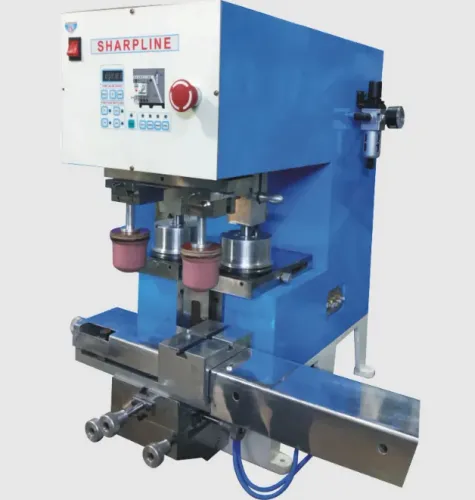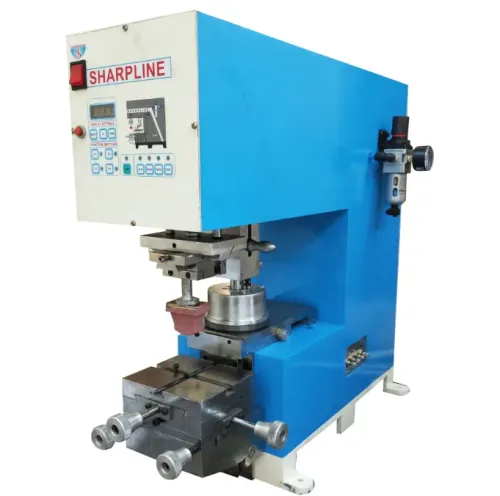
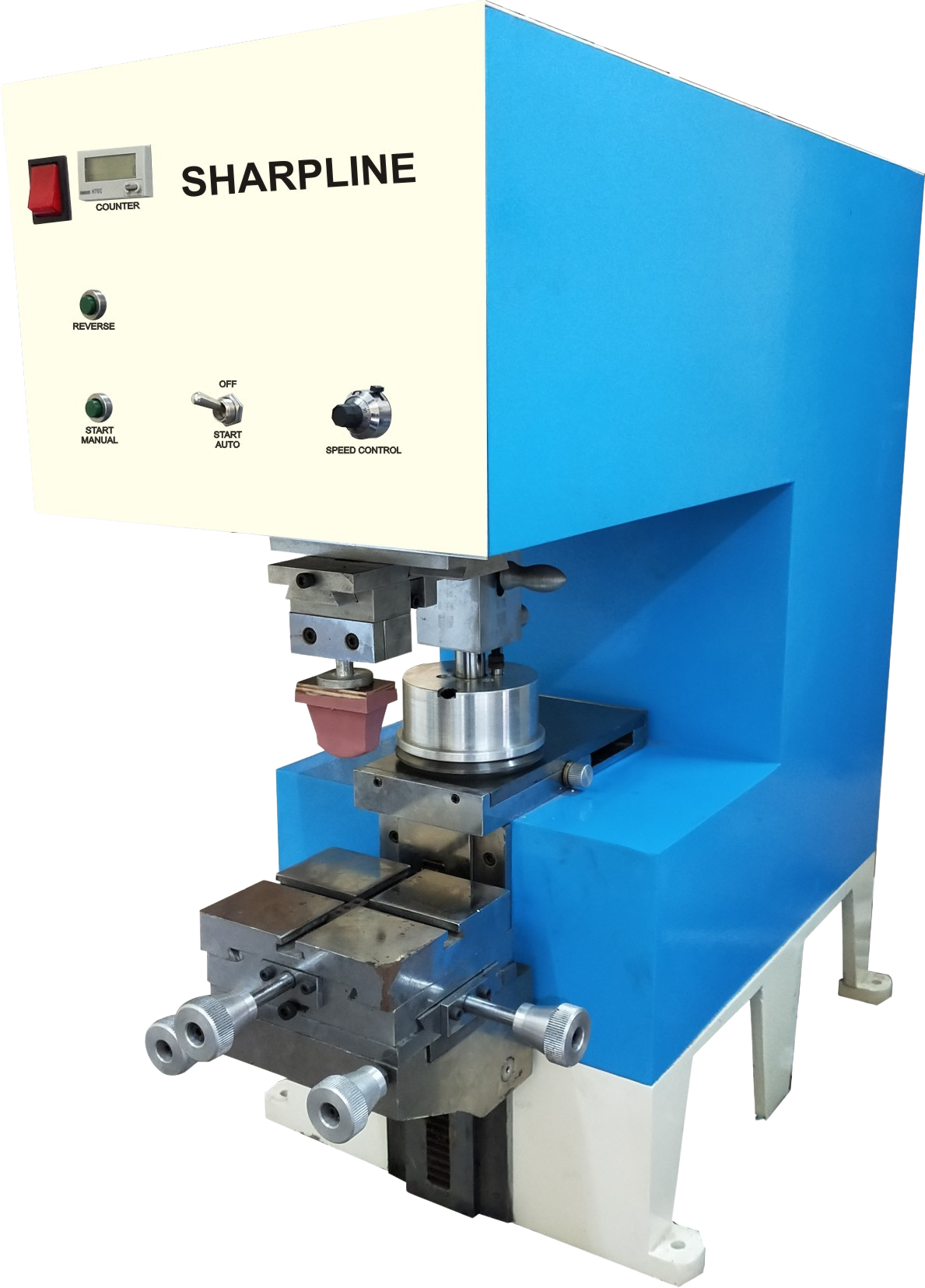
A machine that restarts after downtime can still produce defects, damage components, or repeat the original failure on the next shift. Use a controlled restart, a precise evidence pack, and written acceptance criteria so you can identify the fault, approve only necessary work, and release the machine with proof that it prints correctly.
Key takeaways
- Follow lockout/tagout and isolate electrical and pneumatic energy before troubleshooting.
- Send the model, fault code, photos, settings, and downtime timeline with your service request.
- Prove a failed component before approving replacement; check setup, sensors, air pressure, and alignment first.
- Require a documented test run and restart procedure before returning the machine to production.
How do you make the machine safe before troubleshooting?
Make the machine safe by following the site’s lockout/tagout procedure, not by pressing the power button. The pad printing machine supplier after machine downtime should provide a written restart procedure covering electrical isolation, stored pneumatic energy, guarding, and emergency-stop circuit verification. Record:
- Stop time and whether shutdown was normal
- Every alarm and its time
- Changes made by operators or technicians
- Whether ink, solvent, or compressed air remained connected
Before troubleshooting, the technician must identify the isolation point, release trapped air, test that all motion has stopped, and confirm that the emergency stop resets correctly before operating the machine.
| Check | Required proof | Failure exposed |
|---|---|---|
| Electrical isolation | Locked isolator and zero-motion test | Unexpected startup |
| Pneumatic isolation | Air released and gauge at zero | Stored cylinder movement |
| Guarding and emergency stop | Guards fitted; stop resets and stops motion | Unsafe access or control fault |
| Prolonged-stop restart | Written staged dry-cycle or warm-up plan | Sticky cylinders, hardened lubricant, damaged sensors, abnormal motion |
Ask which motions can run empty and which require the pad, cliché, ink cup, guarding, or production tooling. Do not approve an HMI power-on sequence alone; the method must prove hazardous energy is controlled before service work begins.
What information should you send with the service request?
Send an evidence pack that lets the pad printing machine supplier diagnose the stoppage before a technician arrives. A reset or part swap is not a diagnosis if the same sensor, valve, drive, or recipe condition can recur.
1. Record the exact model name, serial number, machine age, downtime start time, print count, last successful cycle, recent maintenance, last ink change, last pad change, and all electrical or software work.
2. Copy every fault code and alarm message exactly, with the time each appeared. Include screenshots if the HMI history is available.
3. Describe the failed sequence precisely: no power; power on but no cycle; cycle without printing; ink picked up but not transferred; or one stroke completed before stopping.
4. Attach clear photographs of the HMI, wiring or air panel, ink cup, pad, cliché, fixture, and printed defect. Photograph connections, settings, damage, and contamination close enough to inspect.
5. Send a short video showing the complete cycle, including the sound and motion at the failure point. Do not edit out the approach, transfer, return, or alarm.
6. Separate symptoms rather than calling everything a “print fault”: registration drift, poor ink transfer, leakage, pad collapse, scraping, doctor-ring marks, and inconsistent pneumatic movement.
7. Ask industrial pad printing machine support to classify the suspected cause as mechanical, pneumatic, electrical/control, ink-process, substrate, or operator-procedure related, then name the evidence supporting that classification.
Which checks separate a setup error from a failed component?
Work through the print process in order before replacing parts. Confirm ink viscosity, ink-to-hardener ratio, flash-off time, and cleaning residue against the ink maker’s instructions; a correct component cannot fix contaminated or incorrectly mixed ink.
Check each likely setup error against physical evidence:
| Check | Setup error | Failed component |
|---|---|---|
| Ink path | Wrong viscosity, ratio, flash-off, or residue | Ink remains correct but transfer still fails |
| Cliché and pad | Blocked cells, incorrect seating, or pad collapse | Cliché damage or pad cuts, swelling, hardening |
| Fixture | Movement or incorrect seating | Secure fixture still produces repeatable misalignment |
| Ink cup | Contamination, low clamping load, pressure error | Chipped, flat, dried, or uneven doctor-ring edge |
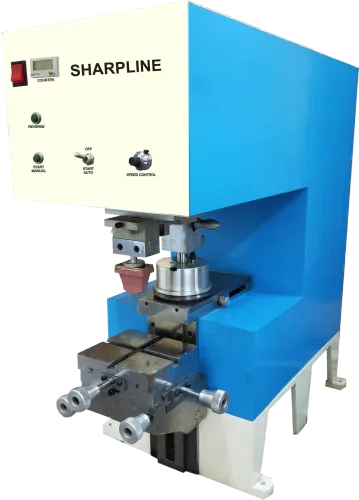
For a closed ink cup pad printing machine maintenance check, inspect the doctor ring, ceramic or carbide edge, seating surface, magnet or holder, clamping load, cup pressure, and smooth travel across the cliché. A visibly intact ring can still leak or meter an uneven ink film.
Confirm whether downtime requires removing, cleaning, capping, or refilling the cup.
Use separately approved cleaning methods for the cup, cliché, pad, and seals. An aggressive solvent can swell elastomers, attack a cliché coating, or alter pad transfer.
On pneumatic machines, measure inlet pressure while cycling, regulator setting, filter condition, drain operation, leaks, and cylinder speed. Ask for the required ISO 8573-1 air-purity class or equivalent, including particle, water, and oil limits—not pressure alone.
What evidence should you require before approving repair work?
Request a written diagnosis before authorising labour or parts. It must name the failed component and root cause, record measurements before and after adjustment, describe the temporary workaround and permanent corrective action, define labour and parts scope, and state the expected return-to-production time.
After an outage or controller replacement, require verification of stored recipes, PLC parameters, servo or stepper settings, sensor positions, and HMI backups. The supplier must check dwell time, pad stroke, cliché offset, ink-cup speed, and product-indexing values, then provide a parameter backup and restore test.
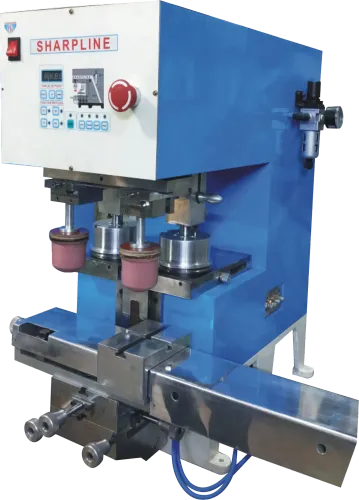
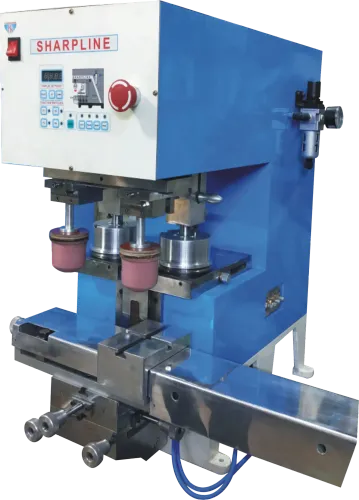
For double color close ink cup machine service, require this comparison:
| Scope | Checks required | Pass condition |
|---|---|---|
| Each colour station alone | Cup condition and clearance, pad-to-cliché alignment, sensor positions, sequencing | Each station completes a clean transfer without leakage, scraping, or registration drift |
| Both stations together | Cliché-to-cliché registration, pad sequencing, intermediate transfer timing, and the first image’s effect on the second | Two-colour registration and transfer remain stable through the full cycle |
| First article | Actual substrate, ink, pad, cliché, and production cycle | Record image completeness, density, registration, smearing, tailing, pinholes, adhesion, and cure |
A single-colour test does not validate a two-colour cycle. Use the ink supplier’s cure and adhesion method; immediate appearance proves nothing about durability. Record settings and sample identification, and define which changes trigger requalification, process approval, or customer notification.
How should you judge support after the machine returns to production?
Judge support by the records and commitments delivered after repair, not by a machine that merely starts. Ask for a post-service report listing:
- Parts replaced and parts adjusted
- Measured values before and after service
- Remaining defects and temporary workarounds
- Recommended spares tied to the failure mode, such as doctor rings, seals, filters, valves, sensors, pads, or cliché fixtures
- Settings changed and any requalification trigger
Request a closed ink cup pad printing machine maintenance schedule covering daily ink removal and cleaning, cliché and pad inspection, pneumatic-filter drainage, specified lubrication points, fastener checks, and periodic alignment verification. A generic consumables catalogue does not help you prevent the next failure.
Confirm remote diagnostic hours, maximum response time, field-service availability, escalation route, PLC or software support, and parts lead times. When comparing industrial pad printing machine support, ask how the provider documents parameter backups and restores them through a test cycle after an outage or controller replacement.
Release the machine only after a first article passes on the actual substrate, ink, pad, cliché, and production cycle. Record settings, samples, operator, date, and unresolved risks, then review the machine after several shifts for pressure stability, registration, ink transfer, and repeat alarms against agreed limits.
SHARPLINE ENGINEERS belongs in that comparison when its service team supplies these records and response commitments.
Related products
 | Motorised Pad Printing Machine Motorised Pad Printing Machine Single color, Non-Magnetic Tungsten carbide steel ring & compact sealed Ink cup Pad Printing machine Max. View product → |
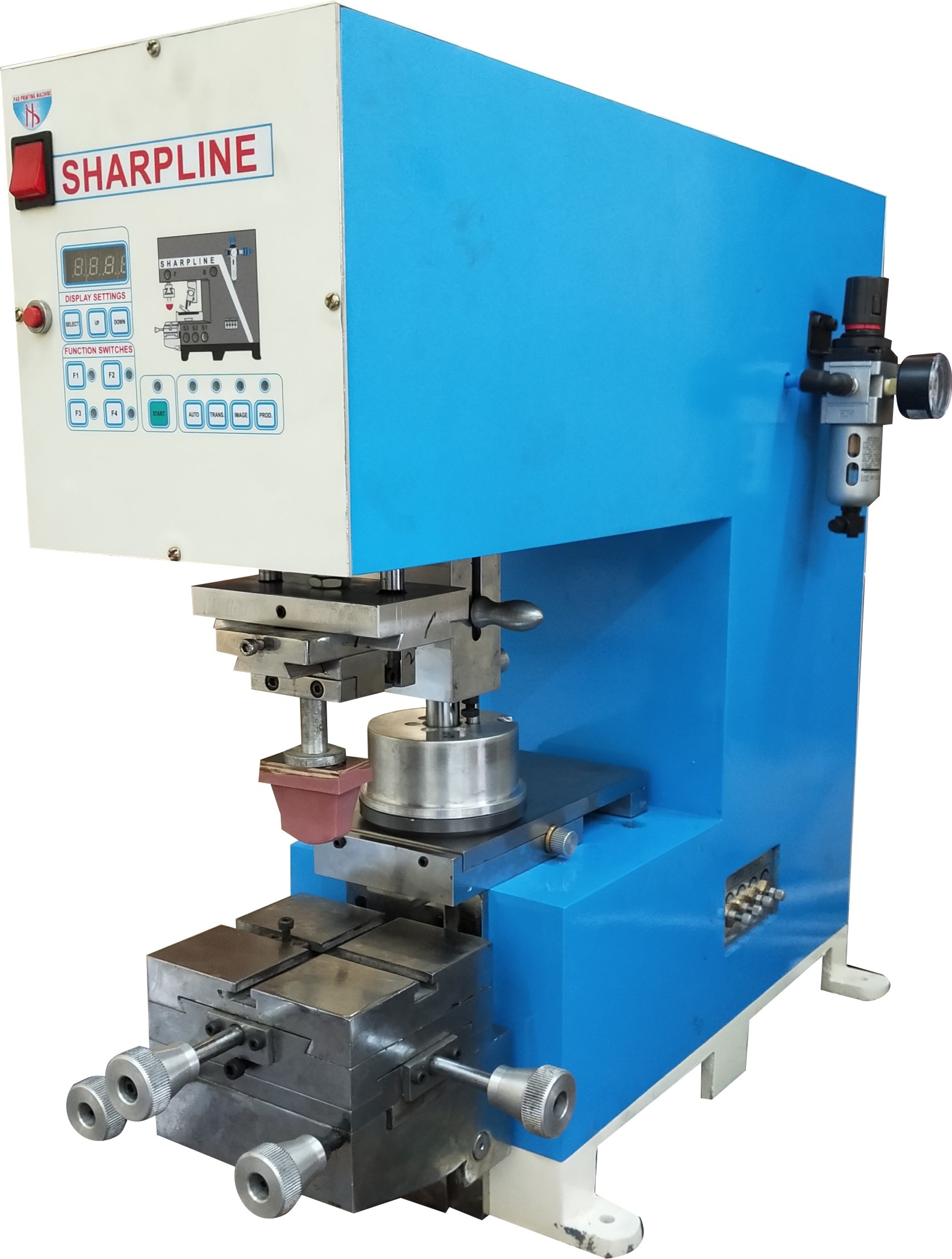 | SINGLE PAD PRINTING MACHINE Single color, Non-Magnetic Tungsten carbide steel ring & compact sealed Ink cup Pad Printing machine Max. View product → |
Frequently asked questions
How do you make a pad printing machine safe before troubleshooting?
Follow your site’s lockout/tagout procedure. Isolate electrical power, release stored pneumatic energy, secure guards, and verify the emergency-stop circuit before inspection.
What information should you send with a service request?
Send the machine model and serial number, fault codes, alarm history, photos, print settings, air pressure, ink and pad details, recent changes, and the downtime timeline.
How can you separate a setup error from a failed component?
Check approved settings, air pressure, pad and cliché alignment, ink condition, sensors, hoses, and emergency-stop circuits before replacing parts. Confirm the fault follows the suspected component.
What evidence should you require before approving repair work?
Ask for the diagnosis, failed-part evidence, test results, replacement-part specification, labour scope, warranty terms, and a written estimate before authorising repairs.
How should you judge support after the machine returns to production?
Require a documented restart procedure, supervised test prints, verified safety circuits, recorded settings, operator handover, and a follow-up contact for recurring faults.
Related products
 | PNEUMATIC PAD PRINTING MACHINE PNEUMATIC PAD PRINTING MACHINE Single color, Non-Magnetic Tungsten carbide steel ring & compact sealed Ink cup Pad Printing machine Max. View product → |
 | Double Color close ink cup pad Printing Machine Double Color close ink cup pad Printing Machine DOUBLE COLOR CLOSE INK CUP PAD PRINTING Get in touch with us for obtaining high quality Double Color Close Ink Cup Pad Printing as we are a... View product → |
Keywords